
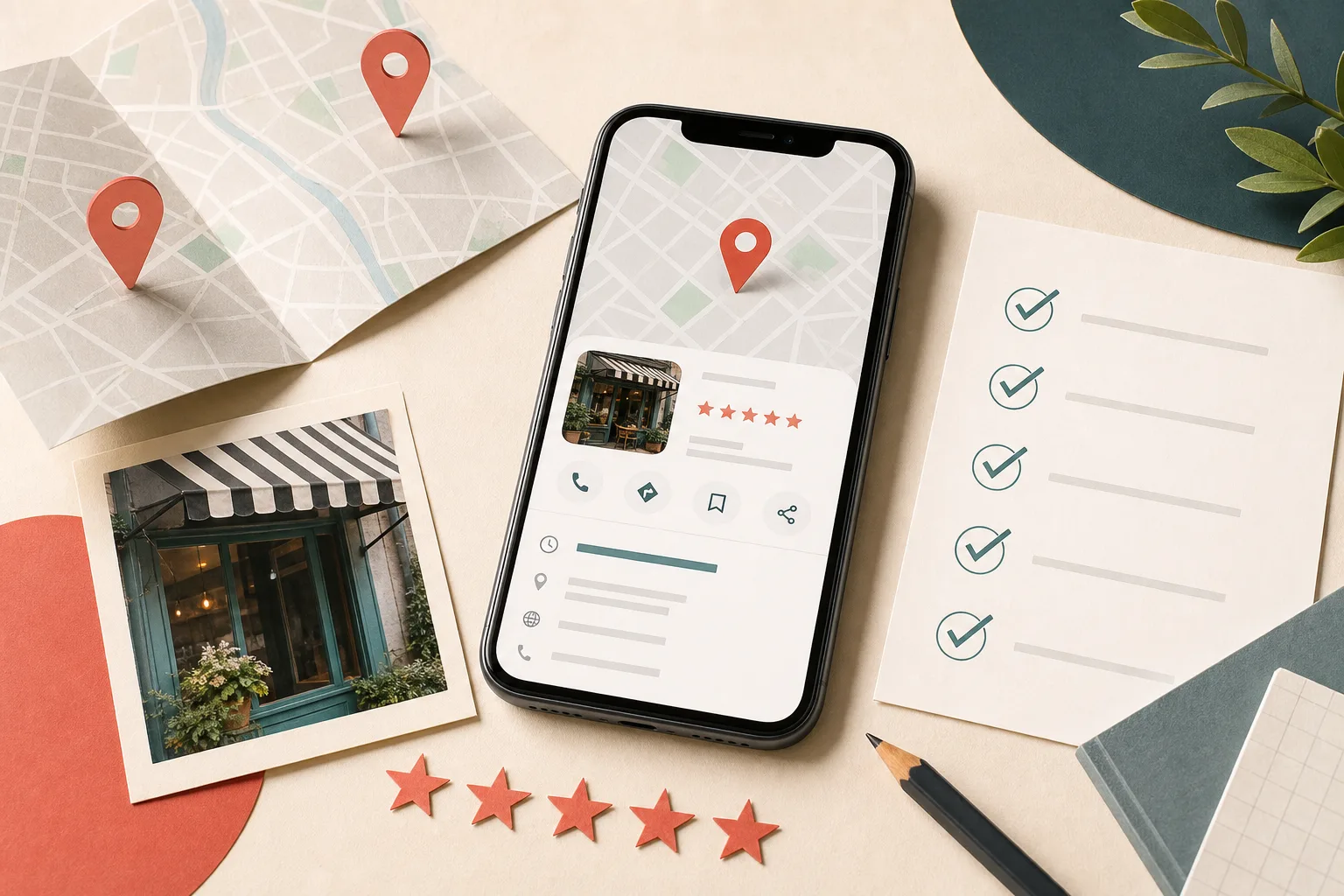
If you want to optimize your Google Business Profile, begin with the customer—not a pile of keywords. The goal is to help Google understand the business and help a nearby person confidently call, visit, book, or buy.
Google Business Profile is the current name for the product many owners still call Google My Business. The name changed, but the core job remains the same: maintain an accurate business presence across Google Search and Maps.
What Google Business Profile optimization means
Optimization is the ongoing work of making a profile complete, accurate, persuasive, and easy to act on. It includes the basics—name, category, hours, phone, and website—but also the proof that helps a customer choose: current photos, useful services, thoughtful review responses, timely posts, and reliable links.
This work can improve relevance and customer confidence, but it cannot guarantee a top position. Google says local results are mainly based on relevance, distance, and prominence. You can strengthen relevance and prominence signals; you cannot optimize away the searcher’s distance.
How to optimize your Google Business Profile in 11 steps
Claim and verify the correct profile
Search for your business before creating anything new. If a profile exists, request access instead of making a duplicate. Confirm that the account is owned by the business—not only by an employee or outside vendor—and complete Google's verification process. A verified profile is required for full management access, and some edits may require verification again.
Use the real-world business name
Enter the name customers see on your storefront, website, invoices, and other branding. Do not add service keywords, city names, taglines, or phone numbers unless they are genuinely part of the business name. Keyword-stuffed names may violate Google's guidelines and create a fragile advantage that can disappear.
Choose one precise primary category
Your primary category should describe the main business, not every task it can perform. A specific accurate category helps Google understand when the profile is relevant. Add only secondary categories that represent meaningful parts of the business; categories are classifications, not a place to store keywords.
Complete every essential business detail
Review the address or service area, phone number, website, regular hours, special hours, opening date, and available attributes. If customers do not visit your location, hide the address and define an honest service area. Keep the same core information across your website and important directories so customers are never forced to guess.
Write a clear, customer-first description
Use the description to explain what you do, who you serve, where you work, and what makes the business distinct. Work important services into natural sentences, but do not repeat keywords or list every nearby city. Google allows up to 750 characters and advises businesses to avoid links, HTML, and promotion-heavy copy in this field.
Add services, products, and attributes
Build out the services customers can actually buy. Use recognizable names, short helpful descriptions, and accurate prices when appropriate. Eligible businesses can also add products, menus, booking options, or other category-specific details. Match these entries to dedicated pages on your website whenever possible.
Publish authentic, current photos
Add a recognizable logo and cover photo, then show the exterior, interior, team, products, process, and completed work. Strong photos answer practical questions and reduce uncertainty. Upload new images over time, remove owner-uploaded images that are no longer accurate, and avoid relying on stock photography as proof of the real business.
Connect each link to the right next step
Your main website link should lead to the most useful local landing page. Eligible appointment, reservation, order, or menu links should take customers directly to a page where they can complete that action. Test every destination on mobile and add consistent UTM parameters when you want cleaner reporting in analytics.
Build a compliant review routine
Ask real customers for honest reviews after a completed service, purchase, or successful interaction. Make the direct review link easy to use, but never buy reviews, offer rewards, or selectively ask only customers likely to leave five stars. Respond to positive and negative feedback in a calm, specific, privacy-conscious way.
Use posts and Q&A to remove uncertainty
Publish useful updates, offers, events, seasonal information, or educational content with one clear action. Google notes that posts older than six months may be archived unless a date range is set. Where Q&A is available, monitor new questions and answer accurately from the business account rather than leaving important answers to chance.
Measure actions and maintain the profile
Review calls, website visits, direction requests, bookings, and search visibility for trends. Check hours before every holiday, respond to new reviews and questions, test links, and add fresh photos. Treat the profile as a living customer touchpoint, not a listing you finish once and forget.

How to rank a Google Business Profile: focus on what you can control
There is no switch that guarantees placement in the local pack. Google explicitly says businesses cannot request or pay for better organic local ranking. A sustainable Google Maps SEO strategy works on the inputs the business can legitimately improve.
- Relevance: accurate categories, complete services, a useful description, and website pages that clearly explain the offer.
- Prominence: real reviews, local recognition, mentions, links, and a business customers genuinely know and trust.
- Conversion: compelling photos, correct hours, working links, useful responses, and an obvious next action.
- Consistency: the same core business facts across the profile, website, social accounts, and major directories.
Distance is different: it depends on where the search takes place and where the business is located or serves. Avoid fake locations, rented mailboxes, and oversized service areas. They do not create a durable local strategy and can put the profile at risk.
Common Google My Business optimization mistakes
- Creating a second profile when the business already has one.
- Adding keywords or locations to the business name.
- Selecting unrelated categories to chase more searches.
- Showing an address where customers are not actually served.
- Letting holiday hours, phone numbers, or services become outdated.
- Using a generic description copied across every location.
- Depending on stock images instead of current business photos.
- Buying, incentivizing, gating, or fabricating reviews.
- Ignoring customer questions and negative feedback.
- Linking every action to the homepage or to a broken mobile page.
- Making constant unnecessary edits that can trigger review or reverification.
The best optimization does not make a profile look busy. It makes the business easier to understand, trust, and choose.
A practical monthly optimization routine
Once a month, confirm your main information and upcoming special hours, answer every new review and question, add several current photos, publish one useful update, test all action links, and compare the services on the profile with the services on your website.
Then review performance for patterns. Are more people calling but fewer visiting the site? Are direction requests rising? Did a service page start earning more local traffic after it was linked from the profile? Use these signals to improve the customer journey instead of chasing daily ranking changes.
Make your local presence easier to find—and easier to trust.
We help local businesses align their Google profile, website, and customer proof around a clear path from search to inquiry.
Explore Local Visibility