
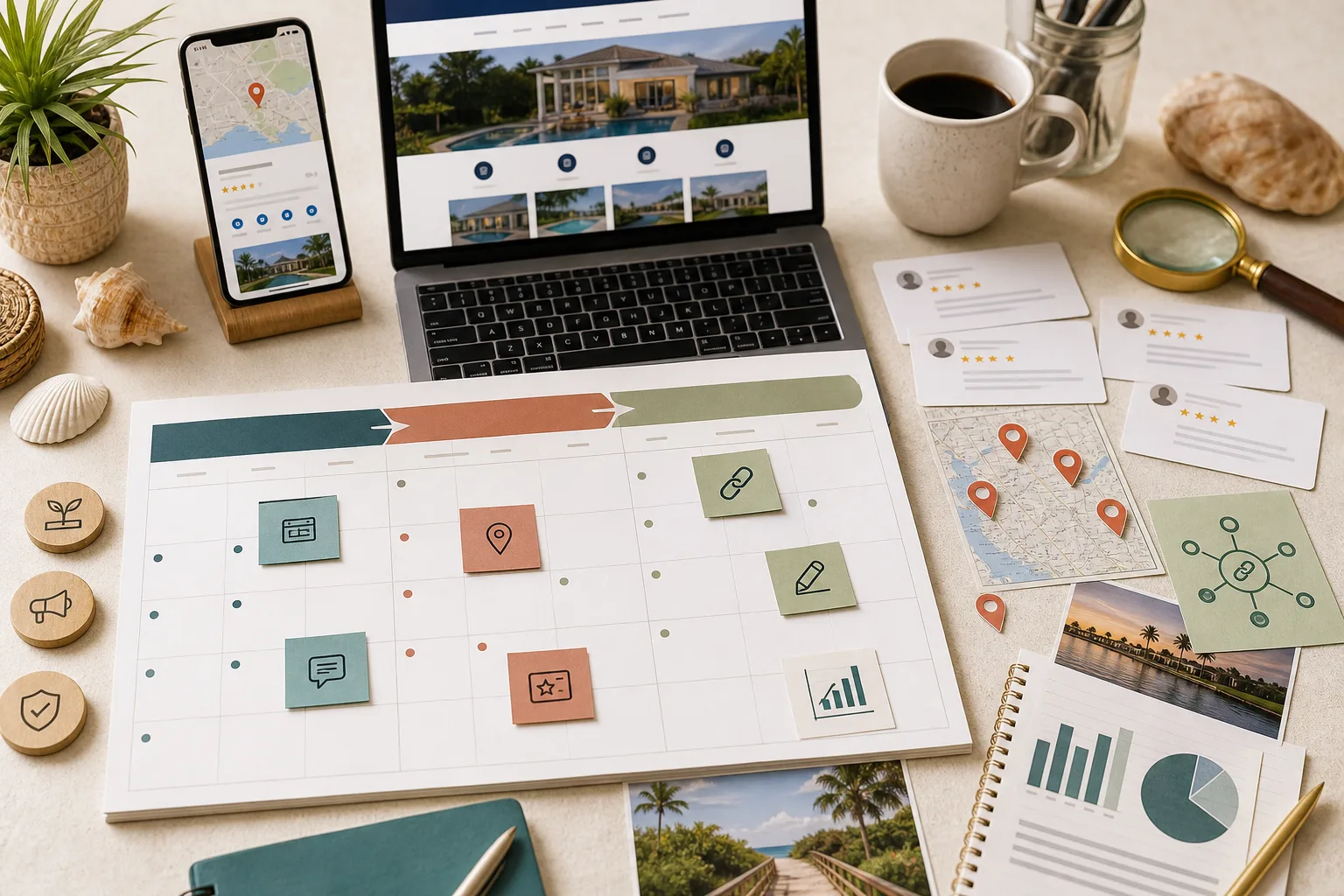
Service-area pages can help customers understand whether a business works in their city. They can also become thin, repetitive pages that exist only to capture variations of the same search. The difference is not the city name in the title. It is whether the page gives a person in that place genuinely useful, accurate information.
This guide is for Southwest Florida service businesses deciding between one regional page, several city pages, and service-plus-city pages. It is a planning framework—not a recommendation to publish a URL for every community on a map.
Service-area pages and location pages are not the same
A location page represents a real, customer-facing business location. It should describe that location accurately: address, hours, phone or routing details, services available there, accessibility information, staff or proof connected to the office, and directions where appropriate.
A service-area page explains how a business serves customers in a place where it may not maintain a staffed office. A Cape Coral contractor that travels to homes in Fort Myers can describe its Fort Myers service, but it should not imply that it has a Fort Myers storefront.
That distinction matters on the website and in the Google Business Profile. Google’s Business Profile representation guidelines say a service-area business should use its real operating model and remove an address from public display when customers are not served there. A virtual office, mailbox, or borrowed address does not turn a service area into a legitimate location.
Start with one regional hub or several city pages?
Begin with the simplest structure that answers the customer’s question.
One Southwest Florida service-area hub is often enough when:
- the offer, process, pricing factors, and customer questions are substantially the same throughout the region;
- the business has limited proof connected to individual cities;
- each proposed city page would repeat most of the same copy;
- the team cannot keep hours, policies, links, and claims current across many pages; or
- search and customer data do not yet show a meaningful city-specific need.
Separate city pages become more useful when the business can explain real differences, such as:
- services available or commonly requested in that city;
- travel, scheduling, permitting, delivery, property, or seasonal considerations;
- projects, customers, photos, testimonials, or partnerships connected to the area;
- a different customer mix or buying concern;
- city-specific contact or routing information; and
- related guides that answer questions common in that market.
The test is straightforward: if the city name were removed, would the remaining page still be distinct? If not, the page probably needs more evidence or should remain part of a regional hub.
What makes a city page genuinely useful?
A useful service-area page combines commercial clarity with local evidence. It does not need a long civic history or a paragraph about every landmark. It needs information that changes or strengthens the customer’s decision.
Consider including:
- A direct statement of the service and the area served.
- The customer problems the business commonly handles there.
- Relevant services, with links to canonical service pages.
- Proof tied to the area, with permission and accurate context.
- Logistics such as travel, scheduling, estimates, emergency availability, delivery, or permitting when they truly differ.
- A concise process and a clear next action.
- Questions customers in that area actually ask.
- Links to the regional hub and useful supporting guides.
Local proof must be honest. A project completed nearby is not automatically a local office. A testimonial should not be assigned to a city unless that context is known and the representation is fair.
When should you build service-plus-city pages?
A URL such as /fort-myers/roof-repair can make sense when both dimensions carry substantial information. The roof-repair page must explain the service well, while the Fort Myers layer should add meaningful local detail. Publishing every service multiplied by every city is usually the wrong starting point.
Before creating a service-plus-city page, answer four questions:
- Is there a distinct customer need for this service in this place?
- Can the business provide specific proof or operating detail?
- Would the page deserve a prominent internal link from a city or service hub?
- Can the team maintain it as the service, market, and policies change?
If the answer is no, keep one strong service page and link it from the relevant city page. This produces a clearer site and avoids forcing weak pages into the index.
Build an internal-link architecture people can follow
Service-area architecture should work like a small, understandable map:
- the main navigation or service-area overview links to a regional hub;
- the regional hub links to substantial city pages;
- city pages link to the most relevant canonical services and guides;
- service pages link back to city pages only where the connection helps a customer; and
- articles support commercial pages without replacing them.
Use descriptive anchor text such as “local SEO support in Fort Myers,” not a row of unlabeled city names. Avoid adding dozens of location links to every footer merely to increase link counts. Each link should help a visitor choose a place, service, or next step.
For example, Local Legacy Consulting uses a Southwest Florida service-area hub, individual Fort Myers and Cape Coral pages, a canonical Local Visibility service page, and a 90-day local SEO guide. Each page has a different job and can link to the next useful layer.
Keep the Google Business Profile accurate
Website pages do not create eligibility for additional Business Profiles. A business should not create one profile per city served unless each profile represents a separately eligible location under Google’s rules.
For a service-area business:
- use the real business location during verification;
- hide the address when customers are not served there;
- define service areas that reflect actual operations;
- keep the name, category, phone, website, and hours accurate; and
- do not use virtual offices or keywords in the business name to simulate local presence.
The website can describe a truthful service area without claiming a storefront. Keep wording consistent enough that customers and platforms are not given conflicting stories.
Avoid doorway pages and scaled-content shortcuts
Google’s spam policies identify doorway abuse as pages created to rank for similar queries while funneling visitors to the same destination. Warning signs include:
- swapping only the city name across otherwise identical pages;
- generating large batches without first-party review;
- publishing pages for places the business does not actually serve;
- inventing offices, staff, reviews, or project details;
- forcing every page toward the same generic form with no local decision support; and
- leaving city pages orphaned from the site’s normal navigation and content.
Automation can assist research, structure, and quality checks. It cannot supply real local experience or make an unsupported claim true. Review every page for accuracy, usefulness, and overlap before publication.
A Southwest Florida planning example
Imagine a home-service business based in Cape Coral that regularly works in Fort Myers, Bonita Springs, and Port Charlotte.
The first version of the site might use one regional hub explaining coverage, core services, travel expectations, and the inquiry process. Cape Coral could receive a deeper page because it is the base and has the strongest proof. Fort Myers could receive a page once the business has recurring demand, completed-project evidence, and useful local details.
Bonita Springs and Port Charlotte should not automatically receive pages. They may remain clearly listed on the regional hub until the business can answer different questions there. If one service later develops a distinct Fort Myers demand, the team can evaluate a service-plus-city page instead of prebuilding every possible combination.
This staged approach lets customer evidence determine the architecture.
Service-area page launch checklist
Before publishing, confirm that the page:
- describes a place the business genuinely serves;
- does not imply an office that does not exist;
- has a distinct title, heading, purpose, and body—not city-name substitutions;
- links to canonical services instead of duplicating them;
- includes verified local proof or genuinely different operating information;
- gives the customer a clear next action;
- connects to the regional hub and other relevant pages;
- uses an indexable canonical URL only when the page deserves to stand alone;
- is included in the sitemap and normal site architecture; and
- has an owner responsible for keeping its claims current.
If a page fails several of these checks, improve it, merge it into the regional hub, or skip it.
Frequently asked questions
Do I need a page for every city I serve?
No. List genuine coverage clearly, then create individual pages only when each page can answer a distinct customer need with accurate local information or proof.
What is the difference between a service-area page and a location page?
A location page represents a real customer-facing business location. A service-area page describes work performed in an area where the business may not have an office.
How unique must city pages be?
There is no useful percentage test. The page should have a distinct purpose and enough city-specific substance that a customer benefits from landing there instead of on the regional or service page.
Can city pages become doorway pages?
Yes. Large sets of near-duplicate pages built mainly to rank for city variations can create doorway and quality risks. Build from real customer value and first-party evidence.
Does each city page need its own Google Business Profile?
No. Website architecture and Business Profile eligibility are separate. Create additional profiles only for real locations that independently meet Google’s current eligibility rules.
Should a weak city page be deleted?
First decide whether it has useful links, traffic, or history. Improve it when a distinct page is justified. Otherwise, merge its useful content into the most relevant hub and redirect the old URL rather than leaving competing or abandoned versions.
Build the smallest structure that tells the truth
Strong service-area SEO is less about producing more URLs and more about making each page accountable to a real customer question. Start with a regional hub, add city pages when evidence supports them, and create service-plus-city pages only when both parts deserve the depth.
Local Legacy Consulting can help plan the architecture, strengthen the local evidence, and connect the pages to an accurate Google and website presence. Discuss your local visibility.