

An older website does not need to lose everything that makes it useful to gain a clearer, more current design. Before approving a refresh, identify the pages customers use, the content that still represents the business, and the routes that lead to calls or inquiries. Then agree on what will change and how the finished site will be checked.
For an established Southwest Florida service business, this matters when the company has outgrown its presentation. Your work may be better than the old photographs suggest. Services may have changed while the navigation has stayed the same. A crowded desktop layout may make straightforward information difficult to find on a phone.
The goal of the refresh is to help the website represent today's business while retaining useful material and customer paths. That requires more than choosing a new color palette.
Separate the dated appearance from the underlying problems
Review the website with three questions:
| Question | What to look for | Likely work |
|---|---|---|
| Does it look like the business today? | Old photographs, inconsistent branding, cramped typography | Visual and content refresh |
| Can customers understand and act? | Unclear service pages, buried contact details, confusing forms | Content, navigation, and inquiry-path changes |
| Can the site support the changes? | Editing limitations, unreliable functions, unsupported integrations | Technical assessment and possibly rebuilding parts of the site |
These problems can coexist. A design refresh may be enough for a sound website with dated presentation. A broader rebuild may be appropriate when the existing system cannot support the required work. Ask the provider to explain which constraint drives that recommendation.
If you are still deciding whether the site needs attention, start with our outdated-website warning signs. This guide covers the next step: planning the change.
Port Charlotte redesign checklist: refresh, rebuild, or leave it alone?
Run this decision check before commissioning another design. An old visual style alone does not prove the website needs replacement.
| Decision | Evidence to look for | Sensible next step |
|---|---|---|
| Leave the structure alone | Services are accurate, mobile tasks work, content is editable, and inquiries arrive reliably | Keep routine maintenance and improve only a specific demonstrated gap |
| Refresh | The platform supports the work, but messages, photos, brand presentation or a few pages need attention | Scope the weak pages and preserve the working content and URLs |
| Rebuild | Editing, mobile behavior, site structure or required functions cannot be fixed sensibly within the current foundation | Compare a rebuild with the complete cost and limitations of patching the old site |
Our real Florida Engineering project helps separate presentation from substance: more than 50 service pages were missing when we took over, and the route from a service need to a quote request was unclear. The response included dedicated service content and a better inquiry path alongside branding. That is evidence of the work required; it is not a documented recommendation to replace a particular platform.
There is no universal dollar threshold where a refresh becomes uneconomical. Ask for the work needed to fix the existing system, the restrictions that would remain, and the cost of maintaining it. Compare that with a rebuild that includes content transfer, changed-URL handling, form testing and handoff. A cheap patch that still prevents required updates is not the same deliverable as a working foundation.
For a focused Local Legacy refresh, 1–3 weeks can be realistic after scoping. Larger rebuilds need a separate timeline. Preserve approved project photos and useful copy; retain existing URLs where practical. If addresses change, map each old page to an appropriate outcome and test it before launch using Google's site-move guidance.
For a Port Charlotte owner, the review should also test actual coverage, new-inquiry handling and any existing-customer support route. Bring the site and these priorities to our Port Charlotte website-design team. The checklist is a decision aid, not a substitute for examining your particular site.
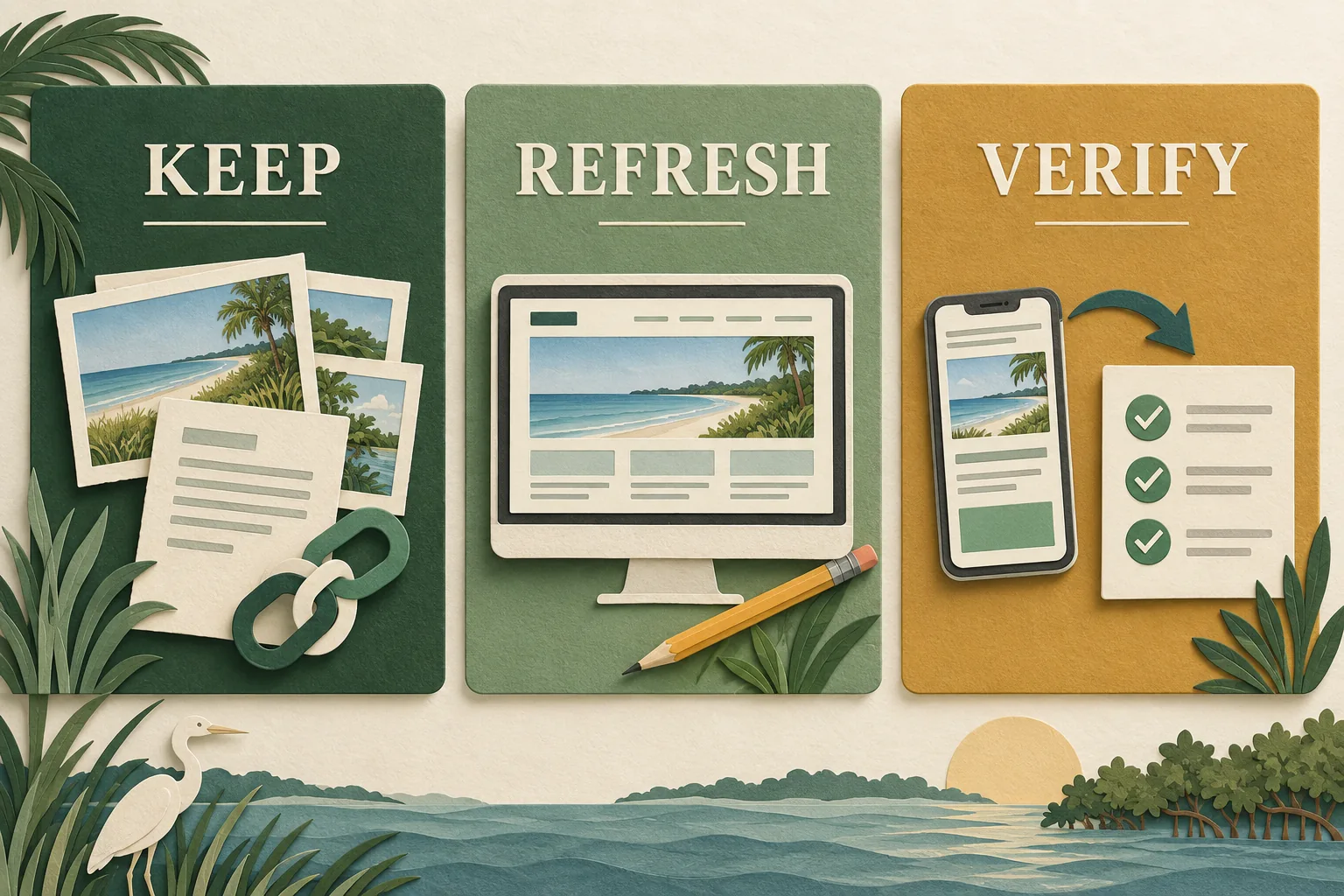
Make a keep, improve, and retire list
Start with the pages that matter to customers and the business. Use your existing site, inquiry history, available analytics, and Search Console as evidence. A page with little search traffic may still be essential for referrals, support, or an existing customer, so do not use visits as the only test.
For each important page or asset, record:
- What job it does for the visitor.
- Whether the facts and images are still accurate.
- Whether the address can remain the same.
- What needs to be improved or replaced.
- Who approves the content and final destination.
Here is a fictional example for an established local service company:
| Existing item | Decision | Reason | Check before launch |
|---|---|---|---|
| Main service page | Keep its address; rewrite and redesign | The service is still offered, but the explanation is outdated | Scope is correct; inquiry button works |
| Project gallery | Keep approved work; improve organization | Relevant projects demonstrate the business's experience | Images and project descriptions match |
| Retired service page | Review whether an appropriate replacement exists | The business no longer offers the service | Old visitors get an accurate outcome |
| Contact form | Improve | The form does not ask which service the visitor needs | A test request reaches the responsible person |
| Downloaded preparation guide | Keep or update | Staff still send it to customers | The file opens from existing links |
This is an owner review sheet, not a deletion list. Keep a record of the decisions so that content does not disappear simply because it was absent from the first design mockup.
Refresh the pages customers use before polishing the rest
Work through the main customer journey with real questions. Can a new visitor tell what the business does, whether the job is a fit, where it operates, and how to get in touch?
For a business serving Cape Coral or Port Charlotte, the service-area explanation should match actual operations. Preserve useful local project context, but remove claims that no longer reflect the work. Serving a city is not the same as having an office there.
Replace old images when they misrepresent the business; retain accurate project evidence even if it needs better cropping, captions, or organization. Label design concepts and stock imagery appropriately. Our website trust-signals guide covers the difference between a claim and the evidence behind it.
Prioritize the service explanation, relevant proof, and contact route. Decorative changes can follow a clear structure. A refreshed home page alone will not solve an unclear service page that a search visitor lands on directly.
Agree on page addresses before development is finished
A visual redesign does not automatically require a new domain or different page addresses. Ask which URLs need to change and why.
Where a URL does change, document the old address and its relevant new destination. Google's site-move guidance recommends preparing that mapping and testing the transition. It also warns that significant changes can bring temporary ranking fluctuations; no responsible refresh plan can promise unchanged search traffic.
For example, if an old kitchen-renovation page becomes a more useful kitchen-renovation page at a different address, the destination should still answer that visitor's question. Sending every removed page to the home page can leave people without the information they expected.
Have the developer choose the appropriate response for each case. Google's redirect documentation explains permanent redirects for pages that have moved permanently. A retired service with no relevant replacement needs a deliberate decision rather than a blanket redirect.
Ask for the final address list as part of the handoff. It should be understandable to the owner even when the provider handles the implementation.
Know which accounts and services the refresh affects
Before work starts, identify who controls the domain registration, hosting, website platform, business email, analytics, and form destination. These may be separate services even if the same provider originally set them up.
Confirm exactly which ones will change. If hosting or domain settings are involved, make sure the person responsible understands the existing email setup. Do not cancel an old service until the team has checked what still depends on it.
Keep a recoverable copy of the current website and content appropriate to its platform. Agree on who can restore it and what would trigger that decision. For ongoing access and recovery planning, see our website-maintenance checklist.
Review the preview as a customer would
A design preview should show the important pages and functions, not only a polished home-page image. Walk through tasks with realistic information:
- Find the service you want to buy without using the home-page shortcut.
- Check whether its scope and service area are clear.
- Open a relevant project and return to the service page.
- Submit an inquiry and confirm it reaches the right person.
- Try the same tasks on a phone and with keyboard navigation.
- Open a saved old link and confirm its intended outcome.
For forms, test both success and failure. A person who misses a required field should get useful guidance without losing the rest of the request. W3C's form-validation guidance is a reference for that behavior.
Ask your provider how search settings, page titles, internal links, and the sitemap will be checked at launch. If a preview is kept out of search, the launch plan needs to distinguish those preview settings from the public website's intended settings.
Define the checks after the refreshed site goes live
Record a baseline before release: important pages, search data over a labeled period, inquiry routes, and any known issues. After release, verify that the priority pages load, changed addresses lead to suitable destinations, and calls and forms still work.
Monitor page-level search data over consistent periods. A few days with fewer clicks do not identify the cause, and a more attractive design does not by itself prove that the site is generating better inquiries. Separate problems you can reproduce, such as a broken form, from search changes that need more evidence.
For a service business, record whether inquiries concern the right work and locations. Those details help evaluate whether the new content communicates fit, even when total traffic remains modest.
Questions owners ask about refreshing an older site
Can I keep my domain and familiar branding?
Often, yes. A dated layout alone is not a reason to change your domain or discard recognizable brand elements. Discuss what still represents the business and which technical constraints, if any, affect the plan.
Is a refresh always cheaper than a new website?
No. The scope matters. A project that preserves working structure and content differs from one that requires new writing, a platform move, and rebuilt functions. Compare the actual work using our website-cost guide.
Can the business keep operating during the work?
The existing site can often remain available while a separate preview is prepared. The provider should explain the transition, expected interruption if any, and how inquiries will be handled. Confirm this for the actual platform and services involved.
Start with a review of the website you already have
Local Legacy Consulting's Legacy Refresh helps established businesses improve an outdated web presence. If the work calls for a broader foundation, we can discuss a custom website as part of that assessment. Review our work for context on the kinds of projects we undertake.
Request a review of your existing website. Bring the current address, the work you want more of, and the parts of the site you want to preserve. That is enough to start a useful conversation about the right scope.